AI Mockup Tools Compared: Figma AI vs v0.dev vs Bolt.new vs Visily in 2026
Six AI mockup and design tools tested with the same prompt. Here is what each one actually produces, what it costs, and when to use it.

DevForge Team
AI Development Educators
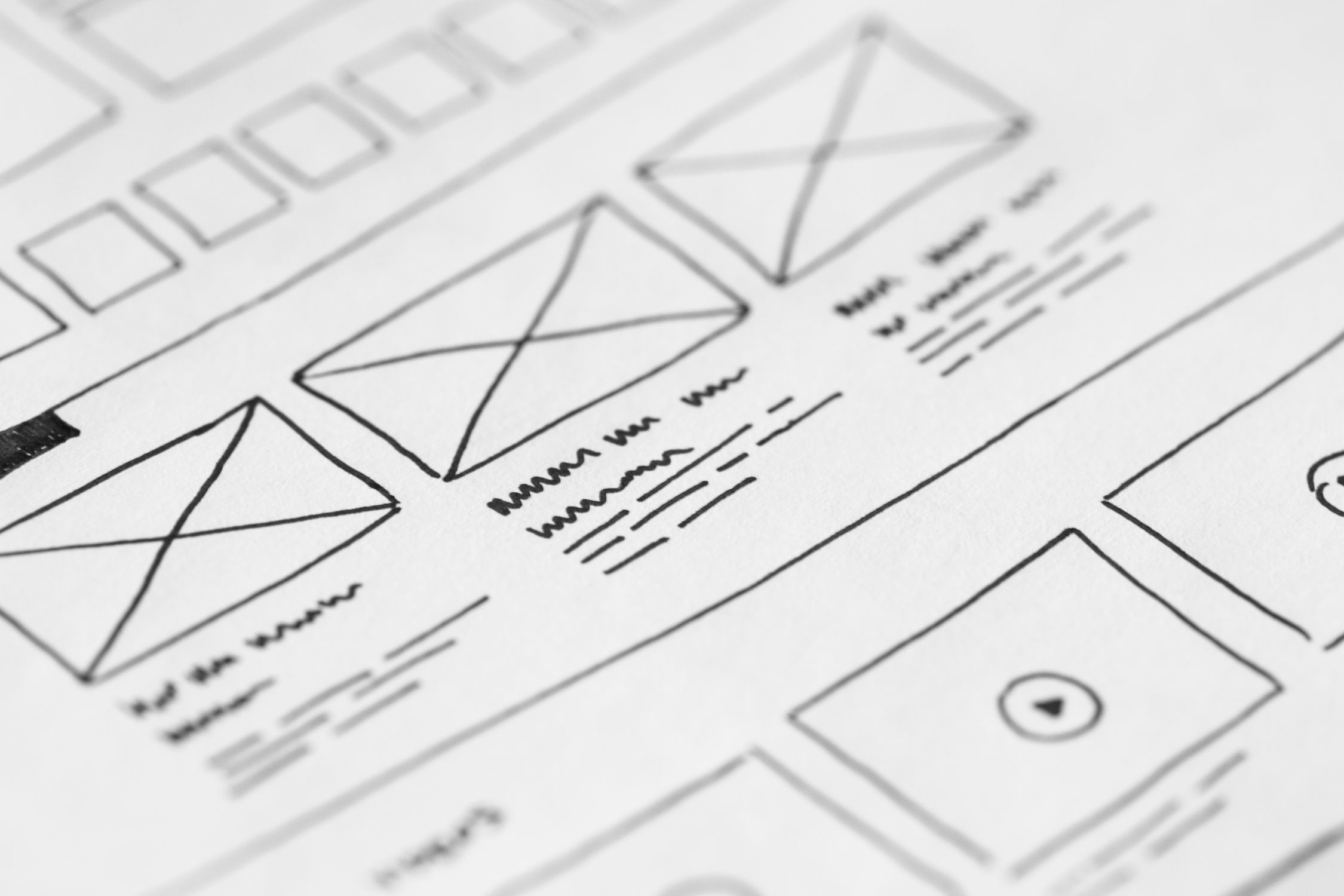
Wireframes used to require design skills. Today, you can describe an interface in plain English and get a working mockup — or a working UI — in under two minutes. The tools that enable this range from Figma's AI-augmented professional environment to fully AI-generated production code.
The challenge is that they're solving different problems. Choosing the wrong tool costs you hours of rework. This comparison tests six tools against the same prompt so you can make the right call for your situation.
The Test Prompt
Every tool was given the same description:
*"A dashboard page for a project management app. Shows a header with the app logo and user avatar. Left sidebar with navigation: Projects, Tasks, Team, Reports, Settings. Main area shows three summary cards (Total Projects, Tasks Due Today, Team Members), followed by a table of recent projects with columns for Name, Status, Due Date, and Owner. Status uses color-coded badges."*
Tool 1: Figma AI
What it is: Figma's built-in AI features, including Auto Layout suggestions, the First Draft feature for generating UI from text, and the new Make Design mode for iterating on existing designs.
Output quality: Figma AI produces design-system-aware mockups that look like they belong in a professional product. The generated components follow Figma's own component conventions, making them easy to hand off to developers. The layout was structurally correct and visually polished.
What it does well:
- Output is immediately usable in a real design workflow
- Components are editable as standard Figma layers
- Integrates with existing Figma design systems and libraries
- Ideal for teams that already live in Figma
What it struggles with:
- Not a standalone tool — requires Figma subscription
- Generated UI doesn't produce code; requires developer handoff
- Less suited for rapid idea exploration than code-first tools
Pricing: Figma AI features are included in Figma Professional ($15/editor/month) and above.
Best for: Design teams that work in Figma and need AI to accelerate the design phase, not replace it.
Tool 2: v0.dev (by Vercel)
What it is: A Vercel product that generates React component code from text descriptions. Output uses shadcn/ui and Tailwind CSS.
Output quality: v0.dev produced a fully functional React component with proper TypeScript types, accurate Tailwind styling, and real shadcn/ui components. The table, cards, and sidebar were all implemented as individual components. The status badges used conditional Tailwind classes for color coding.
What it does well:
- Output is production-ready React code, not just a mockup
- Component structure is clean and follows React conventions
- Instant live preview in the browser
- Generated code is easy to copy into a Next.js or Vite project
What it struggles with:
- No persistent project context — each generation is stateless
- Iterating across multiple generations loses context quickly
- Limited to React/Next.js ecosystem
Pricing: Free for limited generations; $20/month for higher usage.
Best for: React developers who want to generate a working starting point for a component, not a design file.
Tool 3: Bolt.new
What it is: A browser-based full-stack development environment that generates complete apps from descriptions, not just components.
Output quality: Bolt.new generated a complete application with routing, a working sidebar navigation, functional data tables, and a coherent visual design. The output went beyond the mockup prompt — it created a full app with multiple routes, a simple state management approach, and a deployed URL.
What it does well:
- Full app generation, not just a component
- Immediate deployment to a shareable URL
- Can continue iterating in the same session with context
- Produces a working prototype you can click through
What it struggles with:
- Overkill for generating mockups — it builds full apps
- Generated code can become hard to maintain as it grows
- Less precise styling control than design-first tools
Pricing: Free tier available; Pro plan at $20/month.
Best for: Founders and developers who want a clickable prototype quickly, not a design file to hand to developers.
Tool 4: Visily
What it is: A dedicated AI wireframing and mockup tool designed for non-designers. Includes screenshot-to-wireframe, text-to-wireframe, and AI component suggestions.
Output quality: Visily produced a clean, low-fidelity wireframe that accurately captured the layout described in the prompt. The sidebar, cards, and table were all present in the correct arrangement. The output is explicitly a wireframe, not a polished design or code.
What it does well:
- Purpose-built for mockups and wireframes
- Non-designers can produce clear wireframes without design skills
- Screenshot import converts existing UIs into editable wireframes
- Collaborative editing with stakeholder comment features
What it struggles with:
- Output is wireframes only, not production-ready code or high-fidelity design
- Less suitable for developer handoff than Figma
- Smaller component library than design-system-aware tools
Pricing: Free plan available; Pro from $12/month per editor.
Best for: Product managers, developers, and anyone who needs clear wireframes for stakeholder review without design background.
Tool 5: Galileo AI
What it is: An AI UI generation tool that creates high-fidelity Figma-compatible mockups from text descriptions.
Output quality: Galileo AI generated polished, high-fidelity mockups with realistic data, proper typography, and thoughtful spacing. The output was closer to a finished design than a wireframe, and the visual quality was the highest of any tool tested.
What it does well:
- Highest visual quality of any AI mockup tool
- Outputs editable Figma files
- Realistic placeholder data makes mockups feel like finished products
- Strong for client presentations and investor decks
What it struggles with:
- No code output — developer handoff still required
- Less suitable for rapid iteration than code-first tools
- Higher price point
Pricing: Waitlist / enterprise pricing; consumer plans from $19/month.
Best for: Teams that need visually impressive mockups for stakeholders or clients, especially early-stage product demos.
Tool 6: Uizard
What it is: An AI-powered prototyping tool that converts sketches, screenshots, and text descriptions into interactive prototypes.
Output quality: Uizard produced an interactive prototype from the prompt with clickable navigation and a reasonable layout. The visual fidelity was lower than Galileo but the interactive nature made it immediately usable for user testing.
What it does well:
- Sketch-to-UI conversion from hand-drawn wireframes via camera
- Interactive prototypes with click-through navigation
- Usability testing features built in
- Accessible to non-designers
What it struggles with:
- Lower visual fidelity than design-first tools
- No code output
- Limited component customization
Pricing: Free plan; Pro from $19/month.
Best for: Teams that want to user-test a concept before investing in design or development.
Head-to-Head Comparison
| Tool | Output Type | Code | Fidelity | Learning Curve | Best Use |
|---|---|---|---|---|---|
| Figma AI | Design file | No | High | Medium | Design teams |
| v0.dev | React code | Yes | Medium | Low | React devs |
| Bolt.new | Full app | Yes | Medium | Low | Rapid prototyping |
| Visily | Wireframe | No | Low | Very Low | Non-designers |
| Galileo AI | Design file | No | Very High | Low | Client presentations |
| Uizard | Prototype | No | Low-Medium | Low | User testing |
The Decision Framework
"I need to show a stakeholder what we're building" → Galileo AI for highest visual impact; Uizard for interactive click-through.
"I need to hand off a design to developers" → Figma AI; output integrates directly with developer workflows.
"I need working code, not a mockup" → v0.dev for components; Bolt.new for full apps.
"I need a wireframe for user stories and acceptance criteria" → Visily; lightweight, fast, purpose-built.
"I don't have a designer on my team" → Visily or Uizard; both produce usable outputs without design skill.
The best AI mockup tool is the one whose output format matches what you need next. Define that before you choose the tool.